
What Are Meta Ads and How Do They Work?
A client messaged me last month asking why her “Facebook boost” wasn’t bringing in any calls. She’d spent ₹6,000 boosting posts for three weeks straight. Zero leads. That’s usually the first sign someone doesn’t actually know what Meta Ads for business really is they know what a “boosted post” button looks like, and that’s not the same thing at all.
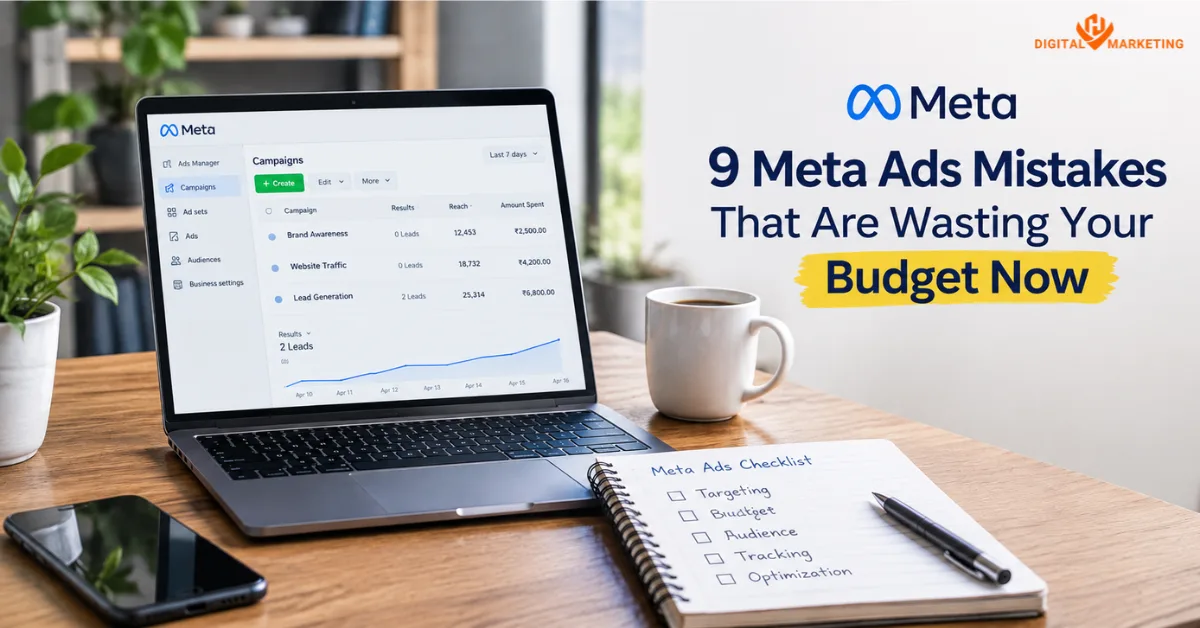
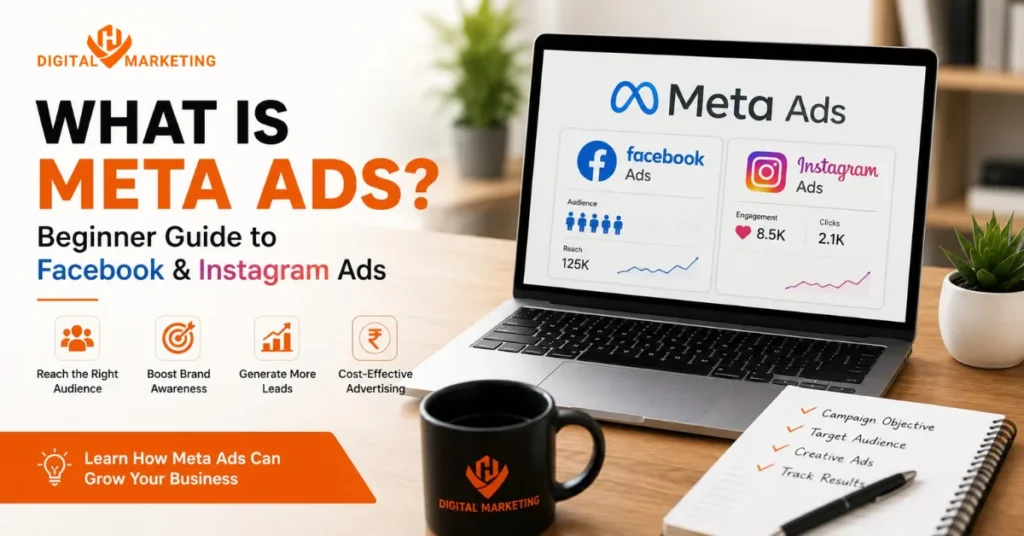
Here’s the real definition. Meta Ads is the advertising system that runs paid campaigns across Facebook, Instagram, Messenger, and Meta’s Audience Network, all managed from one place called Meta Ads Manager. At HV Digital Marketing, we set these up daily for local and service-based businesses across Surat and beyond, and the businesses that get it right treat it as a targeting and conversion tool, not a “post promotion” button.
Here’s the short answer: Meta Ads for business means paying Meta to show your content to a specific, chosen audience instead of hoping the algorithm shows it to your existing followers for free. You pick who sees the ad, how much you spend per day, and what action you want them to take a website visit, a form fill, a call, a purchase. It’s precise. Boosting a post isn’t.
Most beginners get stuck right here, though. They open Ads Manager, see objectives, budgets, placements, pixel setup, and audience overlap warnings, and they close the tab. Fair enough Meta didn’t build this interface for beginners. But once you understand the four or five decisions that actually matter, the rest is just clicking through screens.
Facebook Ads vs Instagram Ads What’s the Difference?
Technically, there isn’t one system for Facebook and a separate one for Instagram. Both run through the same Meta Ads Manager, the same targeting engine, and often the same campaign. You’re not choosing between two platforms so much as choosing where your ad shows up.
Facebook still wins for reach and precise interest-based targeting, especially with an older, 30+ audience. Instagram wins for visual products, Reels, and younger buyers who scroll but rarely click “message.” According to Meta ads benchmarks data for 2026, the average cost per click across industries sits around $0.78, with click-through rates averaging 1.55% but that number shifts noticeably by platform. Instagram Feed placements tend to run a higher CPC than Facebook Feed, largely because the audience is more visual and competition for attention is fiercer.
So which one’s “better”? Neither, honestly. I’ve run identical campaigns for two clients in the same industry and watched Facebook outperform for one and Instagram outperform for the other same budget, same creative, same offer. The difference came down to where their actual customers spend time, not which platform is “trendier.” If you’re a home services business plumbers, electricians, interior designers Facebook usually pulls more leads. If you’re selling a visual product jewellery, fashion, food Instagram usually wins.
Types of Meta Ad Campaigns You Can Run
Meta organizes every campaign around an objective, and picking the wrong one is the single biggest reason beginners waste budget. Here’s the shortlist that actually matters for most small and mid-sized businesses:
- Awareness campaigns: cheap reach, no real conversion tracking. Good for brand recall, bad for leads.
- Traffic campaigns: sends clicks to your website. Useful, but clicks aren’t customers.
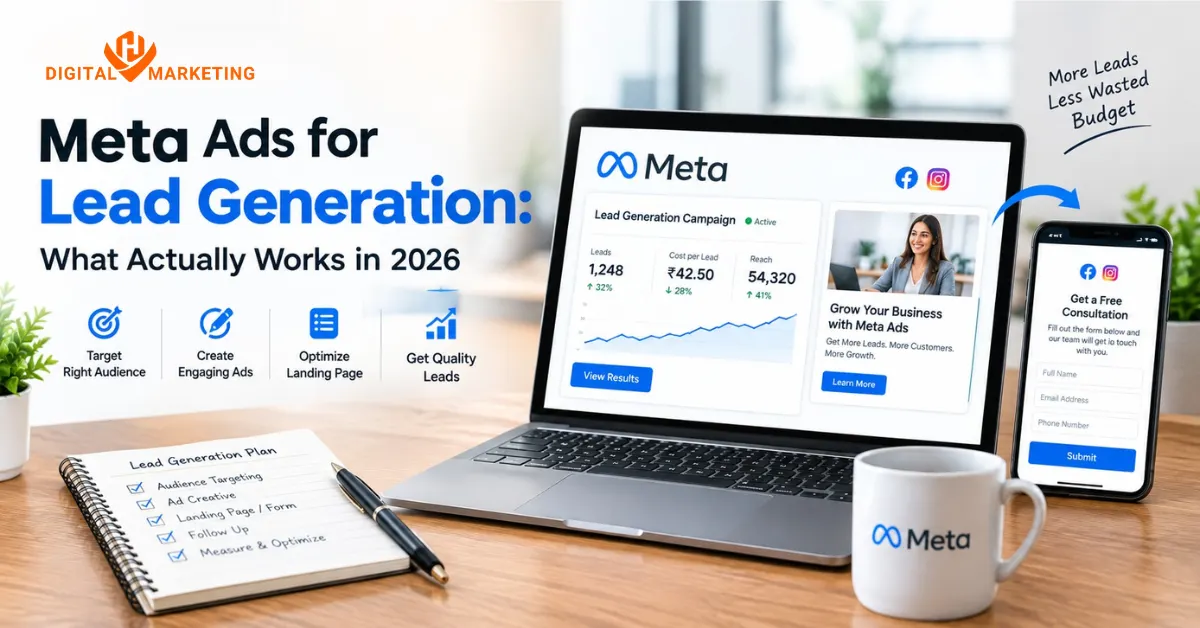
- Lead generation campaigns: collects contact details directly inside Facebook or Instagram, no website needed. This is where most local service businesses should start.
- Conversion campaigns: optimized for a specific action on your website (form submit, purchase, call). Requires Meta Pixel to work properly.
- Engagement campaigns: boosts comments, shares, likes. Rarely worth the spend for a business chasing revenue.
And in 2026, Meta pushes almost everyone toward Advantage+ campaigns a semi-automated setup where Meta’s AI handles targeting and placement instead of you manually picking interests. It’s genuinely gotten better. I was skeptical of Advantage+ a year ago. Now I default to it for most conversion campaigns because it consistently pulls a lower cost per result than my manually built ad sets did.
How to Set Up Your First Meta Ad in 2026
- Create a Meta Business Suite account and connect your Facebook Page and Instagram profile.
- Open Ads Manager and create a new campaign, choosing Leads or Sales as your objective not Awareness.
- Install Meta Pixel on your website (or use Conversions API if you’re on Shopify or a custom-built site) so Meta can track what happens after the click.
- Set your daily budget start with ₹500 to ₹800 per day if you’re testing locally in India, more if you’re targeting the US or UK market.
- Build your audience using location, age range, and 2-3 relevant interests don’t stack ten interests hoping for magic.
- Upload 3-5 creative variations (Meta’s own guidance favors testing multiple images or videos per ad set rather than running one).
- Launch, then leave it alone for at least 3-4 days before touching anything.
The result: a live campaign that’s actually structured to generate leads instead of just visibility.
That last step trips up almost every beginner. You’ll want to pause and edit on day one because the numbers look scary. Don’t. Meta’s algorithm needs a “learning phase” roughly 50 conversions per ad set before it optimizes properly. Touch the budget or creative mid-learning-phase and it resets to zero.
One thing nobody tells beginners: the platform you build the campaign on barely matters compared to what happens after the click. I’ve watched two businesses run near-identical Meta Ads setups same budget, same targeting logic and get completely different results because one had a fast, single-offer landing page and the other sent traffic to a cluttered homepage with six competing calls to action. Meta can find you the right person. It can’t fix what happens once that person lands on your site.
What Actually Happened When We Ran Meta Ads for a Surat Textile Exporter
In 2025, we took on a thread manufacturing client whose only prior “advertising” was boosting product photos every few days. First month, we scrapped the boosting entirely and built a proper lead generation campaign targeting B2B buyers by job title and industry interest instead of broad location. Budget was modest around ₹25,000 for the month.
It didn’t work immediately. Week one brought seven leads, and four were completely irrelevant students, not buyers. We tightened the audience, cut the age range, and added a qualifying question to the lead form. By week three, cost per qualified lead dropped from roughly ₹1,800 to under ₹700, and the client closed two new export inquiries directly from the campaign. Not huge numbers. But real ones, tied to a real spreadsheet, not “reach” or “impressions” sitting in a report nobody reads.
Common Meta Ads Mistakes Beginners Make
Most failed Meta Ads campaigns fail for the same handful of reasons, not because Meta Ads “doesn’t work” for that business.
- Boosting posts instead of building campaigns. The Boost button skips audience refinement and objective selection entirely it’s built for convenience, not results.
- Skipping Meta Pixel. Without it, Meta can’t see what happens after the click, so it can’t optimize toward buyers. Debugging Meta Pixel or Conversions API data issues often shows up as inflated CPMs, because the algorithm lacks the signal it needs to find the right people.
- Targeting too narrow, too early. A 50,000-person audience with five stacked interests rarely gives Meta’s algorithm room to learn.
- Judging results after two days. The learning phase needs time and volume most accounts need a full week minimum before any real read on performance.
- No landing page, or a slow one. According to 2026 Meta Ads cost data, cost per lead can range anywhere from $15 to over $150 depending on industry and a slow, cluttered landing page is one of the fastest ways to land at the expensive end of that range.
I’ll be honest about one more thing most agencies won’t say out loud: sometimes the ads aren’t the problem. I’ve had clients insist on running Meta Ads to a landing page that takes six seconds to load on mobile, then blame the campaign when nobody converts. Fix the page first.
- Chasing “likes” over leads. A post with 400 likes and zero calls isn’t a win. If your goal is business, not popularity, set your objective and your success metric before launch not after.
FAQs About Meta Ads for Business
Q: What is Meta Ads for business?
A: Meta Ads for business is the paid advertising system that runs campaigns across Facebook, Instagram, Messenger, and Meta’s Audience Network from one dashboard, Meta Ads Manager. Instead of relying on organic reach, you choose your audience, budget, and objective directly.
Q: How much do Meta Ads cost per day?
A: There’s no fixed minimum beyond Meta’s technical floor of about $1 per day per ad set, but that’s too small to learn anything useful. For India-based local businesses, ₹500-₹800 a day is a realistic starting budget. Broader 2026 benchmark data shows most small businesses running Meta Ads spend somewhere between $2,000 and $5,000 per month once a campaign is scaled, though early testing budgets are usually much smaller.
Q: Can Meta Ads work for B2B businesses?
A: Yes, though it takes different targeting than consumer campaigns. 2026 data shows B2B advertisers on Meta average a $2.52 cost per click with a 0.78% click-through rate, both below the all-industry average B2B campaigns simply need longer runway and tighter job-title or industry targeting to work.
Q: What is Meta Pixel and do I need it?
A: Meta Pixel is a small tracking code installed on your website that tells Meta what happened after someone clicked your ad did they buy, fill a form, or just leave. Yes, you need it. Without it, Meta is optimizing blind, and your cost per result climbs.
Q: How do I target the right audience on Facebook?
A: Start broader than feels comfortable location, age range, and 2-3 genuinely relevant interests, not ten. In 2026, most advertisers are shifting toward Meta’s AI-driven Advantage+ audiences rather than hand-picking interests, since the algorithm now often finds converters faster than manual targeting does.
Q: How do I set up my first Meta Ads campaign in 2026?
A: Connect your Page through Meta Business Suite, install Meta Pixel, pick a Leads or Sales objective (never Awareness for your first test), set a small daily budget, and leave it running for at least 3-4 days before making changes.
Q: Facebook Ads vs Instagram Ads which one should I use?
A: Both run through the same Meta Ads Manager, so it’s less “either/or” and more about where your specific customers spend time. Facebook tends to win for local services and an older audience; Instagram tends to win for visual products and younger buyers.
Q: Are Meta Ads worth it for small businesses in India?
A: Usually, yes especially compared to waiting months for SEO to kick in. We’ve seen local Surat-based clients get their first qualified leads within the first two weeks of a properly structured campaign, though results depend heavily on the offer, landing page, and how tight the audience targeting is.
Where to Go From Here
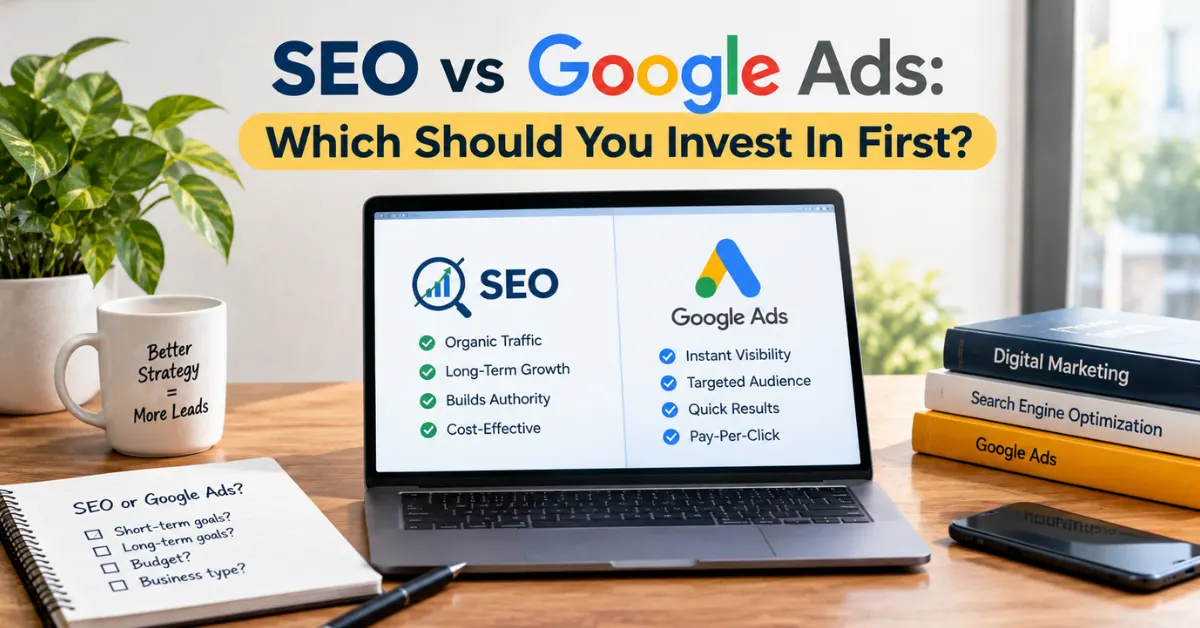
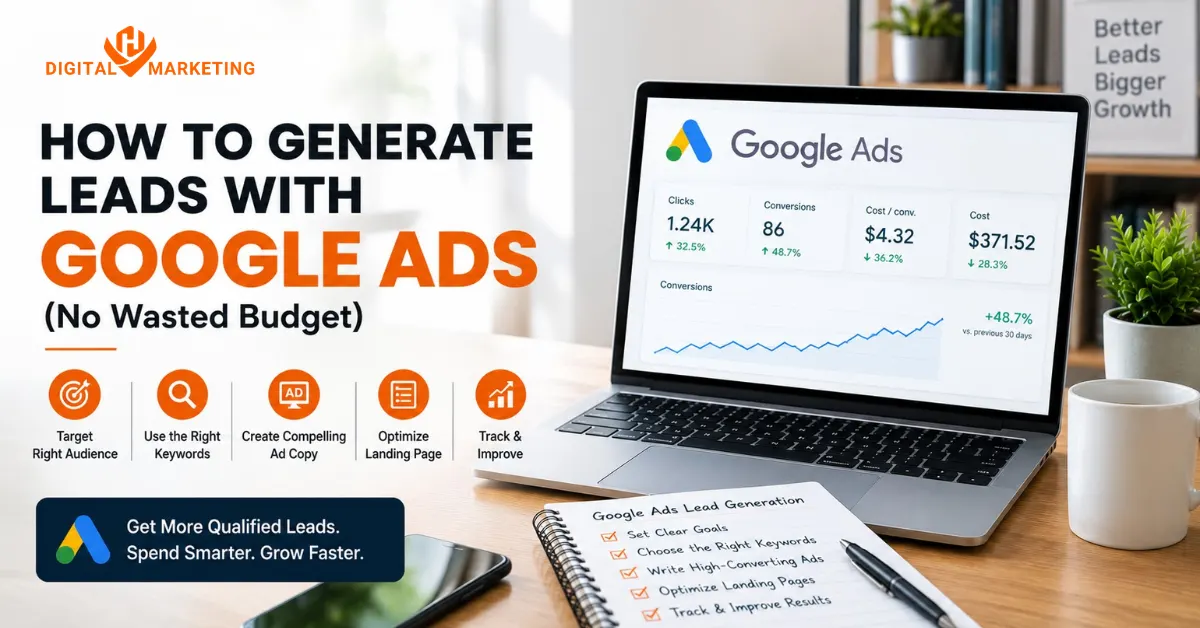
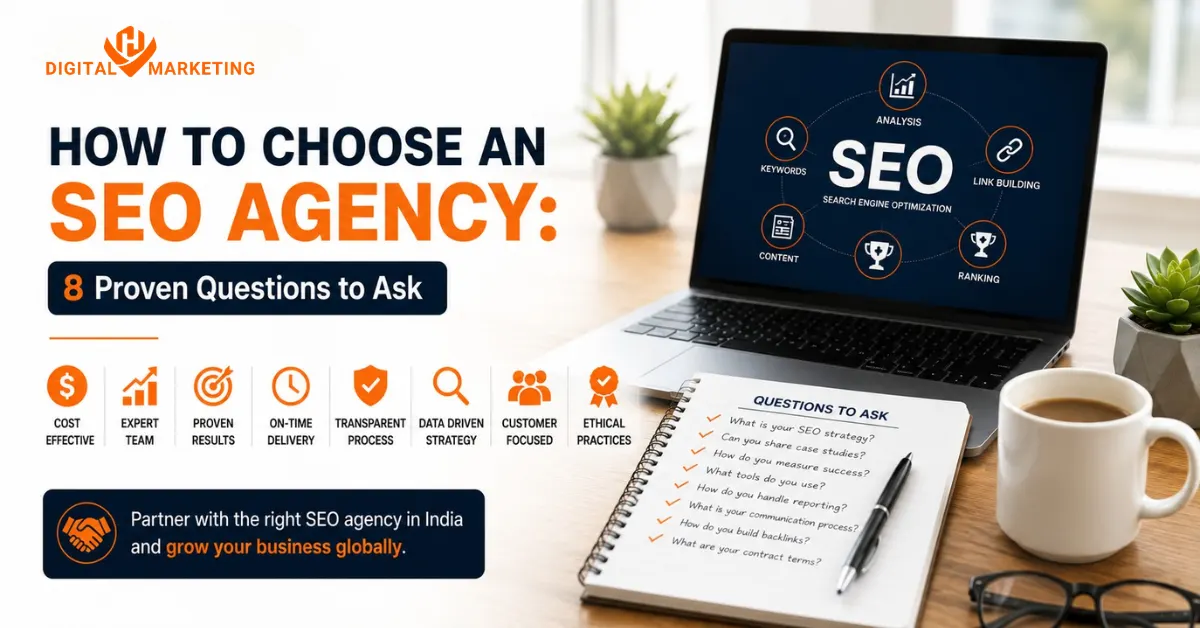
If Meta Ads feels like the right next step, it usually pairs well with a solid Google Ads strategy running alongside it one catches people actively searching, the other catches them while they scroll. We’ve written more on why local SEO still matters even when you’re running paid ads, and if you’re specifically comparing agencies, our breakdown of what makes a digital marketing agency in Surat worth hiring covers the same “boosting vs strategy” problem from a different angle. For businesses further along, our SEO services in Surat page breaks down how organic and paid channels split budget as you scale.
➤ Want expert help running Meta Ads that convert? Talk to HV Digital Marketing’s paid ads team first strategy session is free.

Founder of Digi Segment and HV Digital Marketing
SEO Strategist & Digital Marketing Expert
Hardik Vaghani is a digital marketing professional and SEO strategist based in Surat, Gujarat, India. He is the founder of Digi Segment, a content and insights platform covering SEO, digital marketing, AI tools, and online growth strategies, and the founder of HV Digital Marketing, a results-focused digital marketing agency helping local and service-based businesses rank on Google and generate consistent leads.
With hands-on experience in Search Engine Optimisation, Technical SEO, Google Ads, Meta Ads, and Content Strategy, Hardik has helped businesses across industries including e-commerce, real estate, healthcare, home improvement, and solar companies improve their organic visibility, local search rankings, and lead generation through ethical, white-hat strategies.
He specialises in Core Web Vitals optimisation, on-page SEO, keyword research aligned with search intent, and building scalable content frameworks that rank. At Digi Segment, Hardik shares practical, experience-backed insights, case studies, and step-by-step guides to help marketers, entrepreneurs, and small businesses grow online.
When he is not optimising websites, Hardik is building digital tools, writing SEO-focused content, and working with his agency clients to turn Google visibility into measurable business growth.
Expertise: SEO | Technical SEO | Google Ads | Meta Ads | Content Strategy | Core Web Vitals | WordPress | Digital Marketing | Lead Generation | Local SEO