

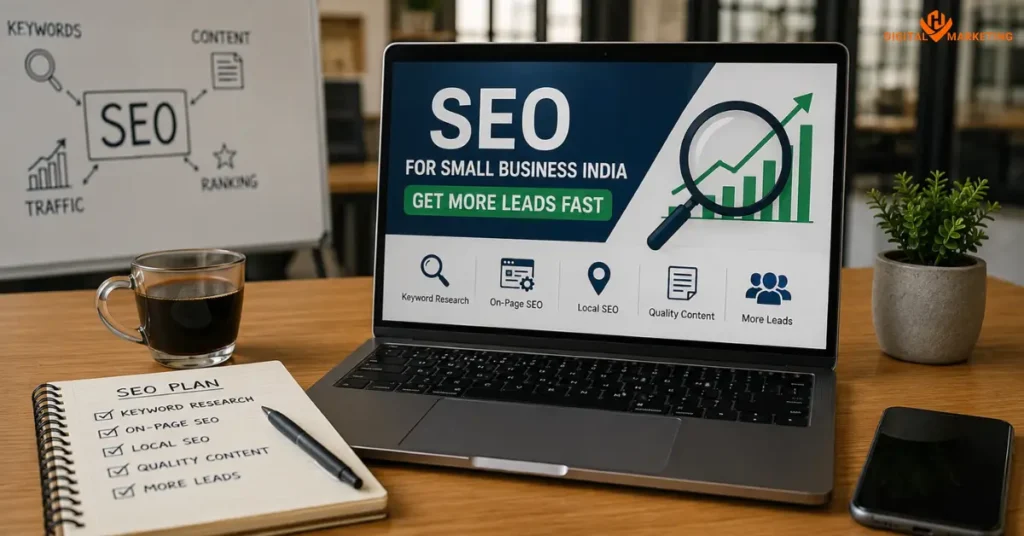
Most SEO advice is written for people who already have a marketing team.
If you’re running a small business in India a clinic, a retail shop, a service company in Surat or Pune or Jaipur this guide is for you. At HV Digital Marketing, we work specifically with local and service-based businesses, and the pattern we see again and again is the same: owners know SEO matters, but no one’s explained it in plain terms that connect to actual leads.
So this is the plain-terms version. No jargon walls. No theory that doesn’t apply to a ₹30-lakh-a-year business.
SEO for small business India means showing up when your potential customer types “electrician in Nagpur” or “best CA near me” on Google and actually getting that person to call you.
What Is SEO and Why Does It Matter for Small Businesses?
SEO is the process of making your website more visible on search engines like Google, without paying for ads. It involves optimising your site’s content, technical structure, and online reputation so Google ranks it higher for relevant searches. It is used when a business wants consistent organic (free) traffic that converts into inquiries.
Here’s why it matters specifically for small businesses in India.
According to a BrightLocal Local Consumer Review Survey, 98% of consumers used the internet to find information about local businesses in 2023 and that number has only climbed. In India, with over 900 million internet users as of 2025 (IAMAI data), the scale of local search opportunity for small businesses is enormous.
But here’s the thing that most small business owners miss. Google Ads stop the moment you stop paying. SEO compounds. A well-optimised page can bring in leads for months or years without ongoing spend. That’s the core argument for doing it.
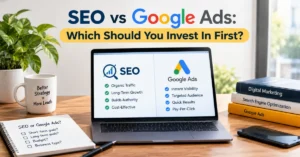
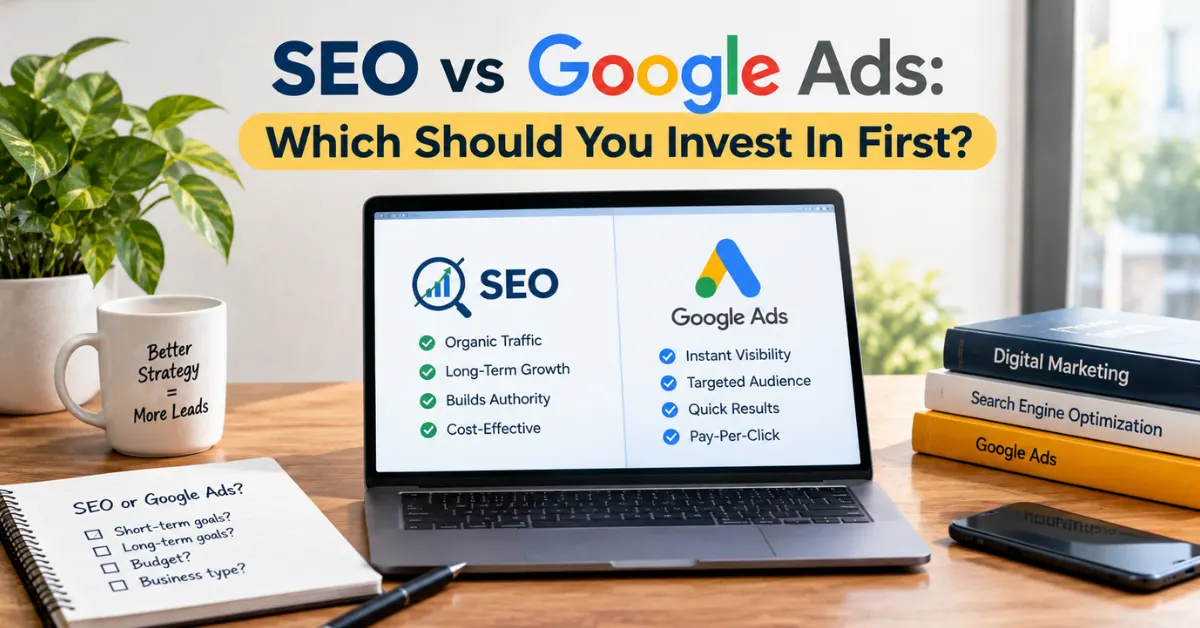
SEO vs. Paid Ads for Small Business India:
| Factor | SEO | Google Ads |
| Cost | Time investment (low cash) | Ongoing budget required |
| Results timeline | 3–6 months minimum | Immediate |
| Long-term ROI | Very high | Stops when budget stops |
| Local targeting | Yes (city + keyword) | Yes (but expensive) |
| Trust factor | High (organic looks credible) | Lower (labelled “Ad”) |
| Best for | Consistent lead flow | Promotions, new launches |
For most small businesses, the right answer is to build SEO as the foundation and layer in ads for short-term spikes.
Keyword Research for Local Businesses Using Free Tools
Keyword research for local business is about finding the exact phrases your customers type not the phrases you think they type.
A plumber in Ahmedabad thinks customers search “plumbing services.” The reality? Most people type “pipe leak repair Ahmedabad” or “bathroom fitter near me.” That gap between assumed intent and actual search behaviour is where most small business SEO fails.
How to Do Keyword Research for Free
Step 1: Start with Google itself. Type your main service + your city into Google. Look at the autocomplete suggestions. Those are real searches. Write down every relevant one.
Step 2: Use Google Keyword Planner. It’s free with a Google account. Enter 3–4 seed keywords (e.g., “interior designer Surat”). It shows monthly search volume and competition level. You want keywords with volume above 100/month and competition marked as Low or Medium.
Step 3: Check Ubersuggest (free tier). Neil Patel’s Ubersuggest gives you keyword ideas, SEO difficulty scores, and competitor pages all without paying. The free version allows 3 searches a day, which is enough to build an initial keyword list.
Step 4: Look at what your competitors rank for. Go to Google, search your main keyword, open the top 3 results, and read their page headings. You’ll quickly see what content topics they’ve covered.
Target Keyword Types for Local Businesses
If [your business is service-based], then [prioritise “service + city” keywords]. Examples: “pest control in Pune”, “CA firm in Surat”, “school admission consultancy in Delhi”.
If [your business is product-based], then [target “product + near me” + city keywords]. Examples: “organic grocery store Bangalore”, “ladies shoes Jaipur”.
Build a short list of 8–12 keywords. Don’t try to rank for 50 things at once. Pick the ones that signal buying intent words like “hire”, “service”, “cost”, “near me” and start there.
On-Page SEO Checklist for Small Business Websites
On-page SEO is everything you control directly on your own website. It’s the most straightforward part of SEO and the part most small business sites get wrong.
Here’s a working checklist. Go through it page by page.
On-Page SEO Checklist
Title Tag
- Contains your primary keyword
- Under 60 characters
- Includes your city name if you’re local
- Reads naturally not stuffed
Meta Description
- 140–155 characters
- Describes what the page offers
- Includes a subtle call-to-action (“Get a quote”, “Call us”)
- Has your primary keyword
Headings (H1, H2, H3)
- Only one H1 per page
- H1 contains your primary keyword
- H2s break the page into logical sections
- Headings match what users are actually looking for
Page Content
- At least 600 words on service pages; 1,500+ on blog posts
- Primary keyword appears in the first 150 words
- Content answers the question the visitor came with
- No keyword stuffing keyword density around 1–1.5%
Images
- Every image has an alt text describing what’s in the image
- Images are compressed (WebP format preferred)
- File names are descriptive, not “IMG_2034.jpg”
Page Speed
- Page loads in under 3 seconds on mobile
- Test at Google PageSpeed Insights
Internal Links
- Each page links to at least 2–3 other pages on your site
- Anchor text describes where the link goes (not “click here”)
Most small business sites in India have the right services but the pages are thin (under 300 words), have no meta descriptions, and use images with zero alt text. Those three fixes alone can move rankings meaningfully within 60–90 days.
Local SEO: How to Rank in Your City
Local SEO for small business India is the strategy of appearing in search results when someone nearby searches for a product or service you offer. It works through a combination of your Google Business Profile, local keyword targeting, and citations (listings on other directories).
This is where the majority of small business leads actually come from. Not from ranking #1 nationally. From showing up in the “local pack” the map block that appears at the top of Google when someone searches “service + city.”
Step 1: Claim and Optimise Your Google Business Profile
Go to business.google.com and claim your listing. This is free and non-negotiable.
Fill in every field:
- Business name (exactly as it appears in real life no keyword stuffing)
- Category (be specific: “Interior Designer” not just “Design Company”)
- Address or service area
- Phone number and website
- Business hours
- Photos of your work, office, team
Upload at least 10 photos. Profiles with photos receive 42% more requests for directions, according to Google’s own Business Profile data.
Step 2: Get Reviews (and Respond to Them)
Ask every satisfied customer to leave a Google review. Send them the direct link. Don’t wait ask within 48 hours of completing the job.
And respond to every review, positive or negative. Responses signal to Google that you’re an active, legitimate business. They also matter to potential customers who read them before calling.
Step 3: Build Local Citations
A citation is any mention of your business name, address, and phone number (NAP) on another website. Get listed on:
- JustDial
- IndiaMart
- Sulekha
- Yellow Pages India
- Industry-specific directories (e.g., Practo for healthcare, 99acres for real estate)
The key: keep your NAP identical across all listings. Even a small difference “St.” vs “Street” can confuse Google and dilute your local authority.
How to Build Backlinks Without Spending Money
Backlinks are links from other websites to yours. They’re one of Google’s strongest ranking signals because they function like votes of confidence the more credible sites that link to you, the more Google trusts your site.
But you don’t need to buy backlinks. That’s actually dangerous. Google penalises paid link schemes, and many Indian SEO agencies sell these as “link building packages.”
Here are four ways to build real backlinks for free:
1. Get listed on local business directories. Every JustDial, IndiaMart, or Sulekha listing is a backlink. Start here. It’s also citation building (covered above), so it does double duty.
2. Guest posts on relevant blogs. Find 5–10 Indian business or industry blogs and offer to write a useful article. In exchange, they include a link back to your site. Search “write for us + [your industry] + India” to find opportunities.
3. Register with industry associations. If your industry has a trade association or chamber of commerce (like FICCI, CII, or local chambers in Surat, Pune, or Mumbai), get listed. These are high-authority domains and the links carry real weight.
4. Create something linkable. A simple resource a local service price guide, a FAQ page, a how-to article can attract links if it’s genuinely useful. Local journalists and bloggers sometimes link to local business resources when they’re writing about that industry.
One thing I want to flag: don’t chase hundreds of backlinks from random low-quality sites. Twenty links from credible, relevant domains beat 500 links from junk directories.
How-To: Set Up Google Search Console and Start Tracking Your SEO in 30 Minutes
Google Search Console (GSC) is a free tool from Google that shows you exactly how your site performs in search. It tells you which keywords you’re ranking for, how many people clicked your links, and whether Google has any issues crawling your site.
If your site isn’t in GSC yet, this is the most important 30 minutes you can spend on SEO today.
Step 1: Go to search.google.com/search-console and sign in with your Google account. Click “Add Property” and enter your website URL.
Step 2: Verify ownership. The easiest method: choose the “HTML tag” option. GSC gives you a short code. Copy it. Paste it into the <head> section of your website’s homepage. If you use WordPress, Rank Math or Yoast SEO plugins let you paste it without touching code. Save and click “Verify.”
Step 3: Submit your sitemap. In the left menu, go to Sitemaps. Enter yourdomain.com/sitemap.xml and click Submit. This tells Google to crawl all your pages. WordPress with Rank Math or Yoast generates a sitemap automatically.
Step 4: Wait 3–5 days, then check Performance. Under “Performance > Search Results,” you’ll see:
- Which queries (keywords) bring people to your site
- How many impressions (times you appeared in results)
- How many clicks you received
- Your average position for each keyword
Step 5: Look at the Coverage report. This shows any errors pages Google can’t crawl, or pages blocked from indexing. Fix anything flagged as an error first.
That’s it. You now have real data instead of guesses. Check GSC once a week. It takes 10 minutes and tells you more about your SEO progress than any third-party tool.
Tracking Results: What Metrics Actually Matter
A lot of SEO reporting focuses on metrics that feel good but don’t connect to business outcomes. Impressions look impressive. Rankings feel satisfying. But neither of those pays a bill.
Here’s what to actually track:
Organic clicks People who found your site through Google and clicked. This is the real SEO traffic number.
Keyword positions for your target terms Are you moving from position 20 to 12 to 8 to 3? Even if you’re not on page one yet, consistent improvement is the signal that the strategy is working.
Conversion actions Calls, form fills, WhatsApp clicks, direction requests. These are in your Google Business Profile insights and can be set up as goals in Google Analytics 4.
Bounce rate + time on page If people click your site and leave in 10 seconds, Google notices. Long sessions and multiple page views signal that your content is actually useful.
Local pack visibility Specifically for local businesses: are you showing up in the map block for your target keywords? GBP Insights shows how many people found you via Maps.
Track these monthly. Don’t obsess over daily fluctuations SEO moves in weeks and months, not hours.
What I Actually See When I Audit Small Business Sites in India
I’ve audited dozens of small business websites across Surat, Ahmedabad, and other Indian cities over the past two years. And the same four problems show up in nearly every audit.
First: the homepage tries to rank for everything and ends up ranking for nothing. “We offer SEO, social media, Google Ads, website design, branding, and more.” That’s not a page. That’s a brochure. Google needs topical focus.
Second: there’s no city on the page. A plumber in Surat whose site never mentions Surat will rank worse for “plumber in Surat” than a competitor who mentions the city five times naturally. It sounds obvious. It’s missed constantly.
Third: the Google Business Profile is either unclaimed or filled in halfway. The business added a name and phone number in 2022 and hasn’t touched it since. No photos. No posts. No responses to reviews.
Fourth: every image on the site is named something like photo1.jpg and has no alt text. That’s a missed opportunity on every single page.
None of these are expensive to fix. We helped a solar energy company in Surat go from zero Google presence to the first page for three target keywords in about four months just by fixing their GBP, adding city-specific service pages, and getting them listed on six local directories. No paid links. No black-hat tricks.
That’s what proper SEO for small business in India looks like.
Frequently Asked Questions
Q: How long does SEO take to show results for a small business in India?
A: Most small businesses start seeing meaningful movement improved keyword positions, more GSC impressions within 3 to 4 months of consistent work. Ranking on page one for competitive terms typically takes 6 to 9 months. Local SEO through Google Business Profile can show results faster, sometimes within 6 to 8 weeks, because GBP optimisation has a more direct and immediate impact on local pack visibility.
Q: Is SEO expensive for small businesses in India?
A: Basic SEO can be done with no budget at all Google Search Console, Google Keyword Planner, Google Business Profile, and Ubersuggest’s free tier are all free. If you hire an agency, monthly SEO retainers in India typically range from ₹8,000 to ₹40,000 depending on scope and competition. That’s significantly less than running Google Ads at scale, and the results last longer. Start with the free tools and build from there.
Q: What is the difference between local SEO and regular SEO?
A: Regular SEO focuses on ranking for broad search terms nationally or globally useful for e-commerce or content sites. Local SEO focuses on ranking in specific cities or regions, with emphasis on Google Business Profile, local keywords (“service + city”), map pack visibility, and local citations. For most small businesses in India that serve a specific area, local SEO delivers a much higher return because it targets customers who are ready to buy right now.
Q: Do I need a blog to rank on Google?
A: Not necessarily but it helps significantly. Your core service pages can rank on their own with proper on-page SEO and local signals. A blog lets you target additional keywords, answer customer questions, and build topical authority over time. For a local service business, even 4 to 6 high-quality blog posts a year on relevant topics can meaningfully improve rankings. Think of it as an optional accelerator, not a requirement.
Q: How do I set up Google Search Console for my business website?
A: Go to search.google.com/search-console, sign in with Google, click “Add Property,” and enter your website URL. Verify ownership using the HTML tag method paste the code into your site’s <head> tag (or use Rank Math/Yoast on WordPress). Then submit your sitemap at yourdomain.com/sitemap.xml. You’ll have data flowing within 3 to 5 days. Full step-by-step instructions are in the How-To section above.
Where to Go From Here
SEO for small business in India isn’t a one-time task. It’s a system. You set it up, you monitor it, you improve it and over time it compounds.
The fastest wins, in order:
- Claim and fully complete your Google Business Profile
- Verify your site in Google Search Console
- Fix the basics on your homepage and top service pages (title tags, H1, meta descriptions)
- Get listed on 5–6 local directories with consistent NAP
- Start tracking your target keywords monthly
If you’re not sure where your site stands right now, HV Digital Marketing offers a free SEO opportunity audit for local and service businesses. We look at what’s working, what’s holding you back, and what your competitors are doing that you’re not. No cost, no obligation.

Founder of Digi Segment and HV Digital Marketing
SEO Strategist & Digital Marketing Expert
Hardik Vaghani is a digital marketing professional and SEO strategist based in Surat, Gujarat, India. He is the founder of Digi Segment, a content and insights platform covering SEO, digital marketing, AI tools, and online growth strategies, and the founder of HV Digital Marketing, a results-focused digital marketing agency helping local and service-based businesses rank on Google and generate consistent leads.
With hands-on experience in Search Engine Optimisation, Technical SEO, Google Ads, Meta Ads, and Content Strategy, Hardik has helped businesses across industries including e-commerce, real estate, healthcare, home improvement, and solar companies improve their organic visibility, local search rankings, and lead generation through ethical, white-hat strategies.
He specialises in Core Web Vitals optimisation, on-page SEO, keyword research aligned with search intent, and building scalable content frameworks that rank. At Digi Segment, Hardik shares practical, experience-backed insights, case studies, and step-by-step guides to help marketers, entrepreneurs, and small businesses grow online.
When he is not optimising websites, Hardik is building digital tools, writing SEO-focused content, and working with his agency clients to turn Google visibility into measurable business growth.
Expertise: SEO | Technical SEO | Google Ads | Meta Ads | Content Strategy | Core Web Vitals | WordPress | Digital Marketing | Lead Generation | Local SEO