

Three weeks into a client’s first Google Ads campaign, the dashboard showed 340 clicks and four leads. The owner wanted to pause everything. That’s the moment I always step in, because the account wasn’t broken – the landing page was. Learning how to generate leads with Google Ads isn’t about spending more. It’s about fixing the one piece in the chain that’s actually leaking money, and most accounts have exactly one.
I’m Hardik Vaghani, founder of HV Digital Marketing. We run Google Ads and SEO campaigns for service businesses across India, the US, the UK, Australia, and Canada, and the pattern above repeats in almost every account we audit. Google Ads itself isn’t the problem. The strategy wrapped around it usually is – and once you fix that, generating leads with Google Ads gets a lot less mysterious.
The Short Version
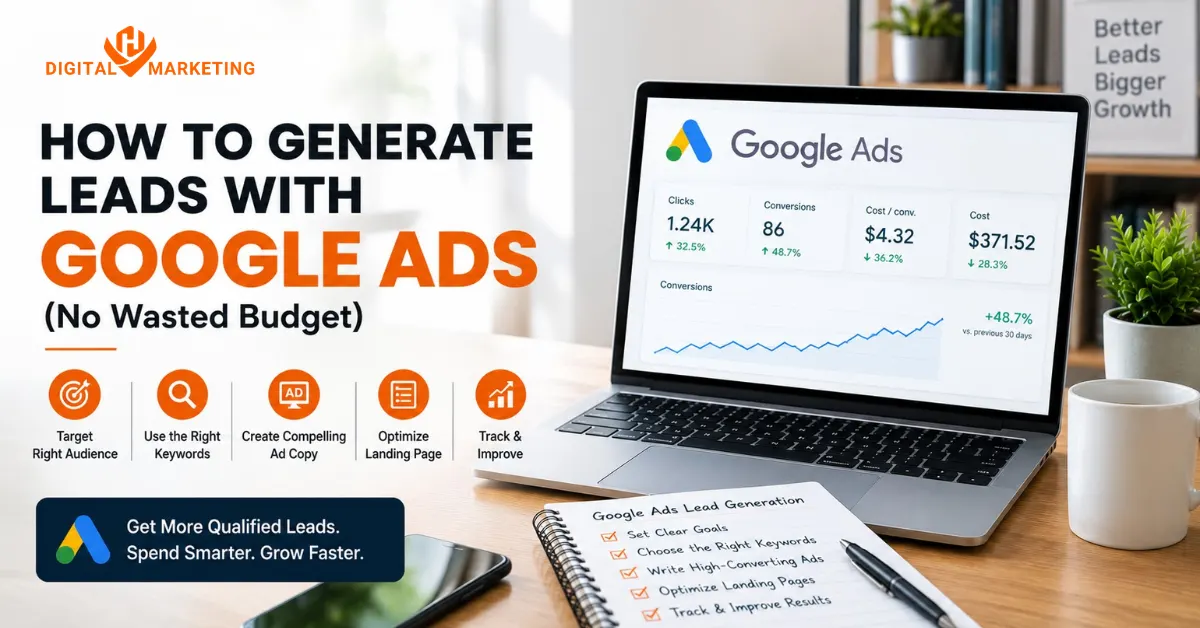
Generating leads with Google Ads comes down to four things done right: targeting keywords with real buying intent, writing ad copy that mirrors what the searcher typed, sending that traffic to a dedicated landing page instead of your homepage, and tracking conversions accurately before you spend a rupee or a dollar. Skip one of these and the other three won’t save the campaign.
Why Your Ads Get Clicks But No Leads
Here’s the pattern I see on almost every audit call. A business owner set up their own campaign, or hired someone who set it up fast, and traffic showed up right away. Impressions climbed. Clicks came in at a reasonable cost. Then the phone didn’t ring.
That gap between clicks and leads is rarely a “Google Ads doesn’t work for my industry” problem. It’s a landing page, targeting, or tracking problem wearing a Google Ads costume. Fix the actual cause and the same budget starts producing leads instead of just traffic – which is really the whole point of learning how to generate leads with Google Ads in the first place.
The Five-Step Google Ads Lead Generation Process
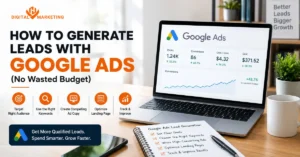
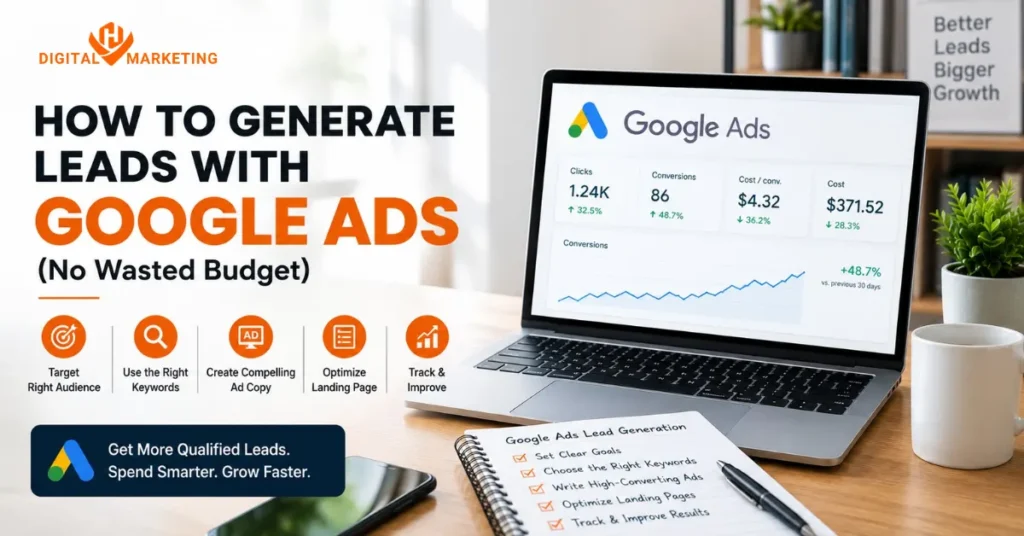
This is the exact process we run for every new Google Ads client who wants to generate leads with Google Ads, in this order. Skipping ahead to “just write better ads” without steps one and three is the single most common mistake we inherit from other agencies.
Step 1 – Choose Keywords With Real Buying Intent
Direct answer: target phrases that signal someone is ready to hire or buy right now, like “[service] near me” or “[service] company,” instead of broad, informational searches that bring in browsers, not buyers.
Bottom-of-funnel vs top-of-funnel keywords
A search for “what is SEO” and a search for “SEO company Ahmedabad” come from two completely different people. One is researching. The other has a credit card open in another tab. Bottom-of-funnel keywords – the ones with “near me,” “cost,” “company,” “services,” or a specific product name attached – convert at a much higher rate because the intent is already decided. Top-of-funnel keywords have their place in content marketing, not in a lead generation ppc campaign where every click costs money. This is the single biggest lever in any google ads lead generation strategy, and most accounts get it wrong on day one.
Negative keywords that protect your budget
Negative keywords are the unglamorous part of this step, and they’re where most of the wasted spend actually hides. Add “jobs,” “free,” “course,” “salary,” and “DIY” as negatives on day one for almost any service business. I once inherited an HVAC client’s account where 22% of the entire monthly budget had gone to clicks from people searching “HVAC technician salary.” Nobody had checked the search terms report in four months.
Step 2 – Write Ad Copy That Matches What Was Typed
Direct answer: ads that echo the exact language of the search query consistently earn a higher click-through rate than generic, brand-first copy, because they feel like a direct answer instead of an interruption.
Matching headlines to the exact search
If someone searches “emergency plumber Surat,” your top headline should contain those words, not “Welcome to ABC Plumbing Services.” This isn’t a style preference. Google’s own ad relevance scoring rewards message match, and searchers scan headlines in under a second looking for their own words reflected back.
Using ad extensions to lift click-through rate
Sitelinks, callouts, and structured snippets aren’t decoration. They give your ad more real estate on the page, push competitors further down, and let you surface a phone number, a price range, or a specific service line without using up headline space. Accounts running a full set of extensions typically see a noticeably better click-through rate than the same ad running without them, which compounds directly into more leads from Google Ads at the same spend level.
Step 3 – Build a Dedicated Landing Page That Turns Clicks Into Google Ads Leads
Direct answer: never send Google Ads traffic to your homepage. A dedicated landing page built around one offer converts significantly better, because it removes every decision except the one you want the visitor to make.
This is the step that gets skipped most, usually because building a new page feels like more work than it’s worth. It’s worth it. One industry analysis pegged the median landing page conversion rate around 6.6%, against roughly 2 to 3% for homepages carrying the same paid traffic – meaning a business could need three times the clicks, and three times the budget, just to match what a proper landing page would do on its own.
What a high-converting landing page actually needs
A landing page built for a Google Ads lead generation strategy needs four things and nothing more:
- A headline that repeats the ad’s promise word for word
- One clear call to action, repeated, not competing with three other buttons
- Proof – a review, a client logo, a before/after number
- A form short enough to finish on a phone in under 20 seconds
Form length and lead capture
Every field you add past name, phone, and one qualifying question costs you completions. We’ve tested this directly: dropping a five-field form to three fields on a real estate client’s landing page lifted form completions by close to 40% without dropping lead quality, because the fields we cut weren’t actually needed to qualify anyone.
Step 4 – Set Up Conversion Tracking Before You Spend a Dollar
Direct answer: if you can’t see which keywords and ads actually produce leads, not just clicks, you’re optimizing blind, and conversion tracking has to be live before the campaign launches, not after.
I’ve opened accounts that had been running for eight months with zero conversion tracking connected. Eight months of spend data with no way to tell which keywords worked. That’s not an exaggeration to make a point, it’s the actual state of maybe one in four accounts we take over. Set up call tracking, form tracking, and where relevant, offline conversion imports from your CRM, before the first ad goes live – otherwise every dollar you spend trying to generate leads with Google Ads is a guess.
Step 5 – Optimize for Lead Quality, Not Just Clicks
Direct answer: a campaign with lower click volume but higher lead quality almost always beats a “cheaper” campaign flooding your inbox with unqualified clicks.
This is where a lot of businesses chase the wrong number, and it’s the same mistake we broke down in our SEO vs Google Ads comparison. A $0.80 cost per click feels like a win until you realize none of those clicks turn into paying customers. We’d rather see a $3 cost per click that converts at 8% than a $0.80 click that converts at 1%. Do the math on cost per lead, not cost per click, every single time you review performance – it’s the only number that tells you whether your Google Ads leads are actually worth what you’re paying for them.
What a Real Campaign Turnaround Looks Like
A Surat-based interior design client came to us in early 2026 spending on Google Ads with almost nothing to show for it. Their setup: broad match keywords, ads pointing straight to the homepage, and no conversion tracking beyond raw click counts. In the first month, we rebuilt the keyword list around bottom-of-funnel service terms, built one dedicated landing page per service line, and connected call and form tracking. Cost per lead dropped from roughly ₹1,850 to ₹640 within six weeks, on a budget that barely moved. Nothing about that result came from a “smarter” bid strategy. It came from fixing the landing page and the targeting first – proof that generating leads with Google Ads is a sequencing problem more often than a budget problem.
That’s the part most guides skip. According to WordStream’s 2026 benchmarks report, average cost per lead across industries now sits close to $66.69, up from $59.18 a decade ago, even as conversion rates have improved for most sectors. Rising costs make the landing page and tracking pieces more important every year, not less, because a wasted click is a more expensive mistake than it used to be.
Generating Leads With Google Ads vs a General “More Budget” Approach
| Approach | Typical Result | Why |
|---|---|---|
| Raise daily budget only | More clicks, similar lead count | Doesn’t fix intent or landing page gap |
| Add more keywords | More impressions, lower relevance | Dilutes ad-to-search match |
| Fix landing page + tracking first | Lower cost per lead, same spend | Targets the actual leak point |
Frequently Asked Questions
How much budget do I need to start generating leads with Google Ads?
Most service businesses need at least $1,000 to $1,500 a month for the algorithm to gather enough data to optimize properly. Below that, campaigns stay in a slow, expensive learning phase for longer than they should.
Why am I getting clicks but no leads from Google Ads?
Usually it’s a landing page or targeting issue. Broad keywords pulling in the wrong searchers, or a homepage doing the job a dedicated landing page should be doing, are the two most common causes we find during an audit.
How long does it take Google Ads to start generating leads?
Some leads land within days of launch. Consistent, optimized performance, though, usually takes four to six weeks as Google’s algorithm gathers conversion data and you refine keywords and ad copy along the way.
Should I send Google Ads traffic to my homepage?
No. A dedicated landing page focused on a single offer converts meaningfully better than a homepage built to serve five different visitor intents at once.
What’s the biggest mistake businesses make with Google Ads lead generation?
Launching without conversion tracking connected. It’s hard to overstate how common this is, and it makes every optimization decision after launch a guess instead of a data-backed call.
Do I need a separate landing page for every campaign?
Ideally, yes, if the goal is to generate leads with Google Ads consistently. Matching the landing page to the specific ad group and keyword theme improves conversion rates more than almost any other single change you can make.
Can Google Ads generate B2B leads, or is it mainly for local services?
Yes, particularly for businesses where prospects actively search for a solution, like software, consulting, or professional services. The same four-step framework – intent keywords, matched ad copy, a dedicated landing page, and tracking – applies whether the buyer is a homeowner or a procurement manager.
Is Google Ads still worth it in 2026 with costs rising?
For most service businesses, yes, because Google Search Central’s guidance on landing page experience and Quality Score still rewards relevance over raw budget. A well-targeted account with a strong landing page competes fine against a bigger budget with a weak one.
Go Deeper on Google Ads and Lead Generation
We’ve covered related ground in our guide to common Google Ads mistakes wasting your budget and our breakdown of Meta Ads for business if you’re weighing platforms.
If your account is getting clicks but not leads, that’s usually fixable within a few weeks, not months. Get a free Google Ads audit and we’ll show you exactly which of the four pieces is stopping you from generating leads with Google Ads at the pace your budget deserves.

Lead Strategist & Founder (HV Digital Marketing)
SEO Expert, Digital Marketing, Google Ads, Meta Ads, LinkedIn Ads, ChatGPT Ads, & Pinterest Ads Expert
As the founder of HV Digital Marketing, Hardik brings a dual focus of technical marketing expertise and creative campaign execution to every client project. Based in Surat, he specializes in building scalable online growth frameworks using Advanced SEO, localized lead generation, and highly targeted paid advertising across Google, Meta, LinkedIn, ChatGPT, and Pinterest.
Having driven success for businesses in highly competitive sectors including real estate, solar, commercial technology, and healthcare Hardik bridges the gap between raw data and creative strategy. He oversees every aspect of the marketing funnel, from keyword research and WordPress optimization to visual asset design and ad spend management, ensuring every campaign is fully optimized for maximum return on investment.
Expertise: SEO | Technical SEO | Google Ads | Meta Ads | LinkedIn Ads | ChatGPT Ads | Pinterest Ads | Content & Campaign Strategy | Graphic & Visual Design | Core Web Vitals | Digital Marketing | Lead Generation | Local SEO